Videomessage From Santa
A Little Christmas Magic, Just for You
Videomessage From Santa brings Your Own Christmas Message to a magical winter window.Add names and a message. Let an elf reveal them on his scroll when everyone is ready.
$6.95 · One-time purchase
Payments are processed by Paddle. You may see School Projects India during checkout.
7-Day Money-Back GuaranteeNot happy? Request a full refund within 7 days.Custom Santa Video, With Your Own Message
Custom Santa Video magic starts with a few words from you. Enter names and a message, keep the surprise ready, and invite everyone to watch.
An elf presents your words on his scroll in the animated Christmas world. The personal message appears as written text; Santa does not speak the names or message.
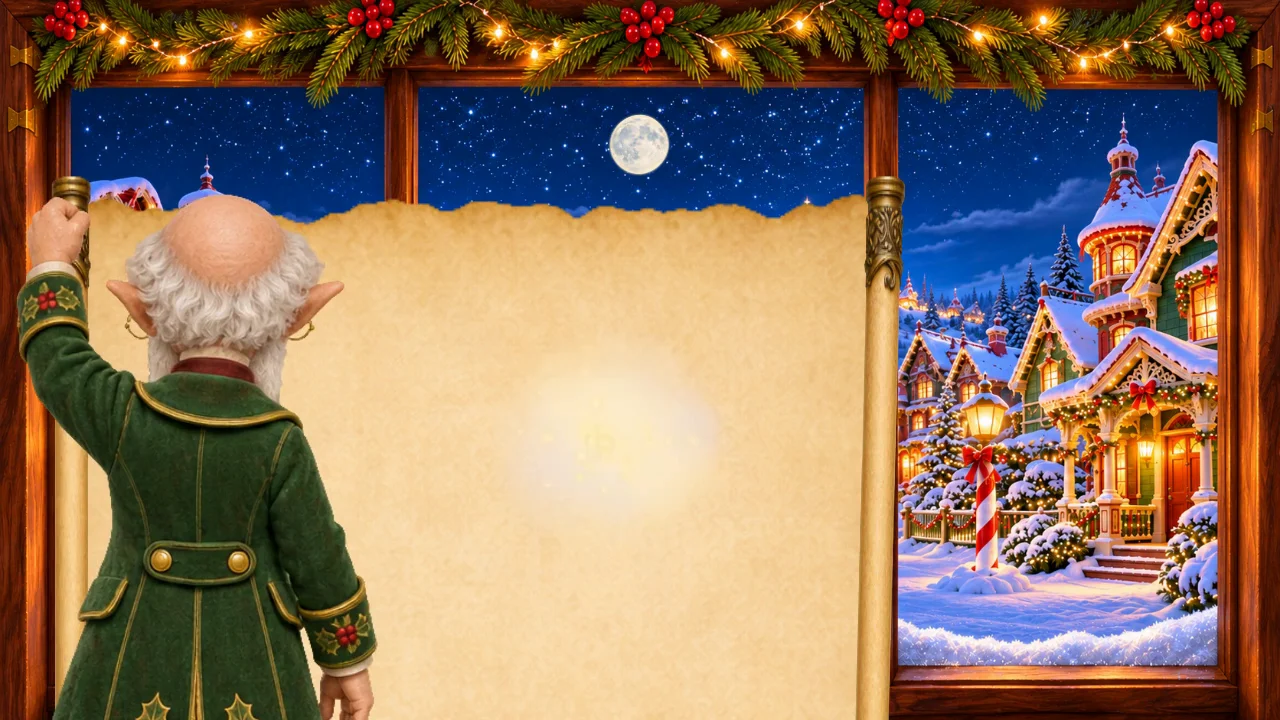
Christmas Ambience
Before & After the Surprise
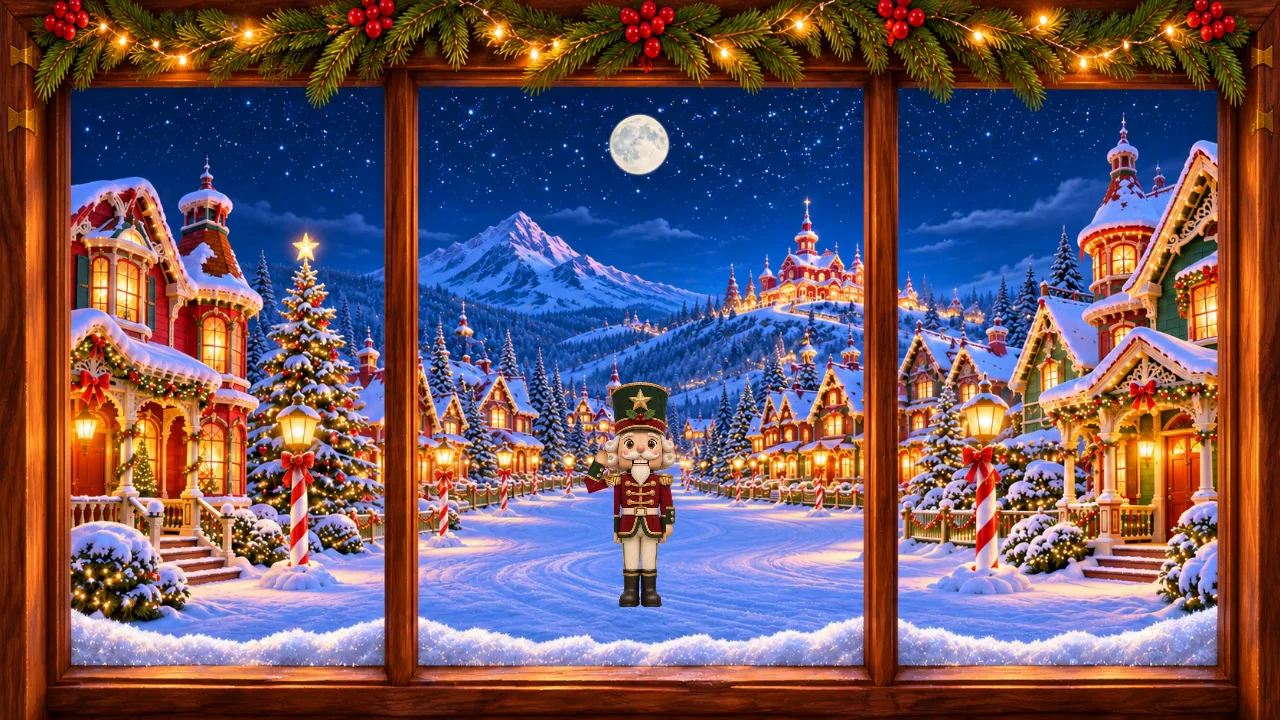
Christmas ambience fills your screen with snowy rooftops, glowing windows, wandering reindeer and playful elves. Let the village play while you wrap gifts or settle in together.
Winter ambience continues after the personal surprise: the village loop returns automatically, ready to keep your room feeling festive.
Your Christmas Surprise in Three Steps
Get your access
Pay once through Paddle and open your Christmas window after payment.
Make it personal
Enter names and your message before inviting everyone to watch.
Gather & press play
When the kids are ready, start the elf surprise yourself. Afterwards, the village continues.
A Few Things to Know
How long does the experience last?
The village loop lasts about 7 minutes 37 seconds and repeats automatically. Enjoy the winter ambience for as long as you keep playback running.
How does the personalised Santa video work?
Personalised Santa Video means your names and message appear as text on the elf’s scroll. Enter them beforehand. When the kids are ready, press Start your Christmas surprise. It lasts around 3 minutes 42 seconds to 4 minutes 12 seconds, then the village loop resumes.
Can I use it as a TV screensaver?
TV screensaver use means playing the festive scene in your browser, with Santa appearing throughout the experience. It does not install as an automatic idle screensaver. Keep the page open and your device awake.
How can I watch on my TV?
Connect a laptop using HDMI, or mirror a compatible phone, iPad or computer. AirPlay needs a compatible receiver. Fire TV Stick mirroring depends on your device; standard Miracast does not support iPhones or iPads. Mirror the full screen and test the preview first.
What if it’s not right for me?
Try your Christmas window at home. If you’re not happy, request a full refund within 7 days of purchase—even if you’ve already watched it. Use the support link in your Paddle receipt or contact Paddle buyer support with your order number and mention our 7-day money-back guarantee. Refunds are processed through Paddle. This guarantee does not affect your statutory consumer rights. Read our refund policy.
How do I return to my Christmas window?
Bookmark My access after buying. Return in the same browser on the same device and keep its cookies. Email recovery is not available yet.
Make Their Christmas a Little More Magical...
Your TV screen. A snowy village. A personal surprise they can read together.
$6.95 · One-time purchase
7-Day Money-Back GuaranteeNot happy? Request a full refund within 7 days.A question for Ronald?
Ask about the experience or get help with your purchase.